See It In Action
A real look at the SprinkleSmarter interface — from automatic scheduling to manual control, across every device on your network.
Your schedule, running across any device.
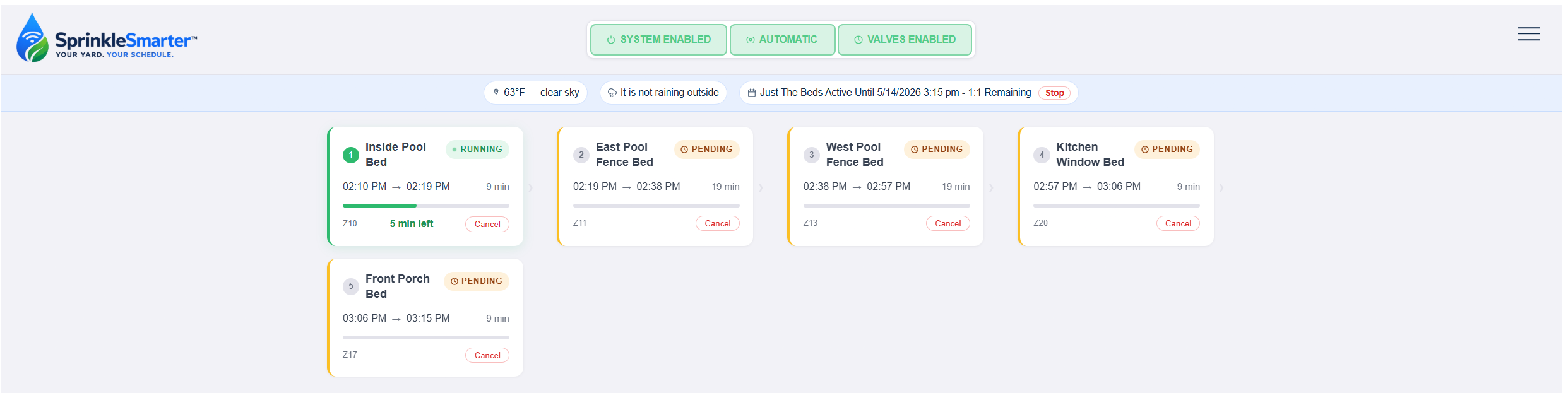
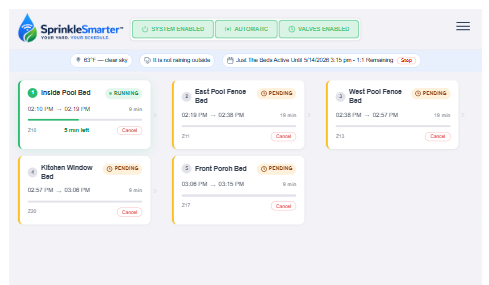
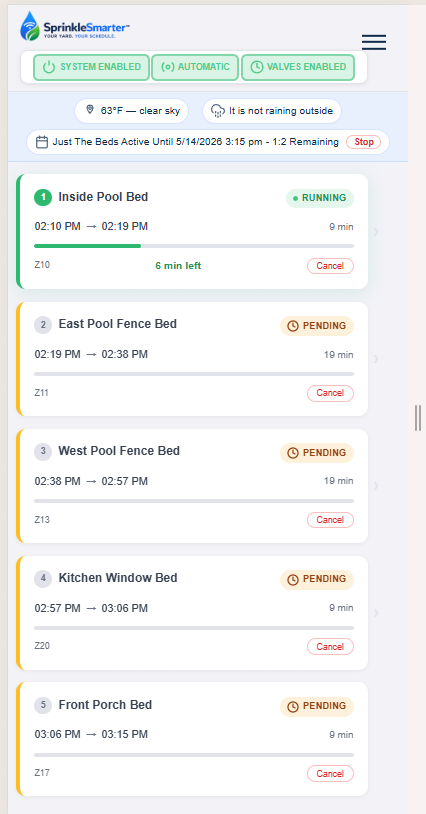
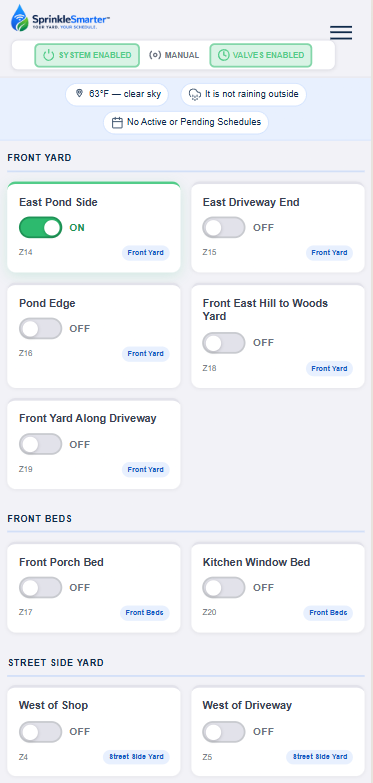
The SprinkleSmarter website runs on the Raspberry Pi and is accessible from any device on your home network. Here you can see it in automatic mode running a schedule — zones display in the sequence they'll turn on, with duration and remaining time shown for each. The UI adapts beautifully to whatever screen you're on.
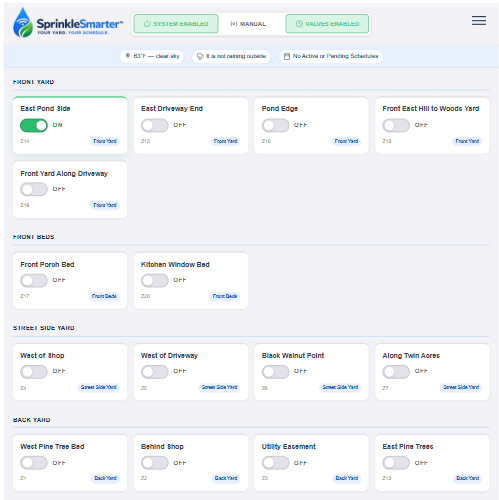
One tap. Any zone. On demand.
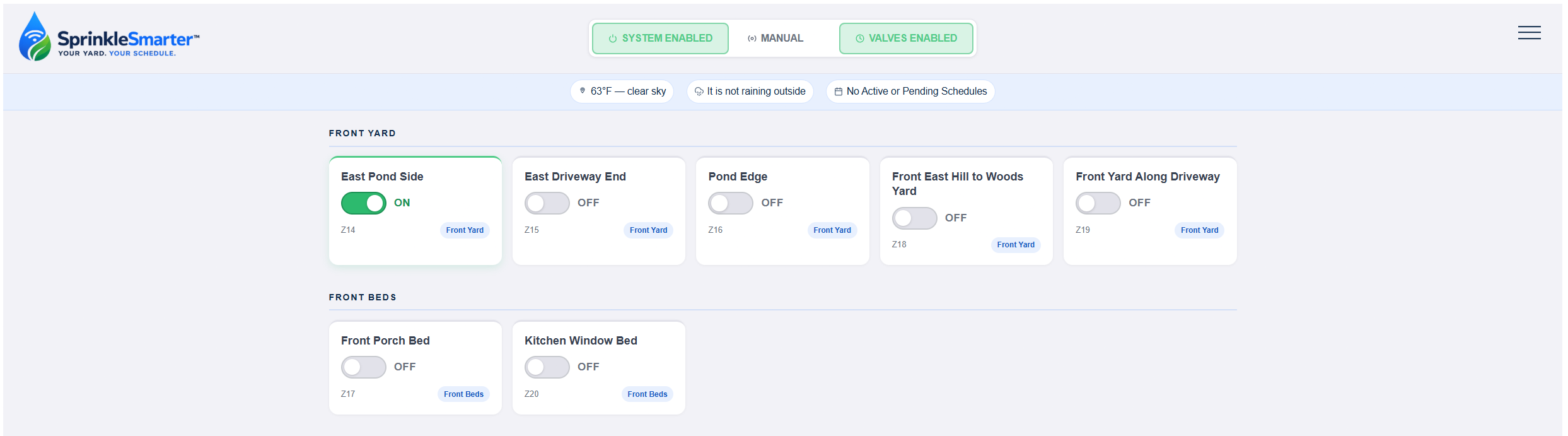
In manual mode, each zone can be turned on or off with a single tap — perfect for on-demand watering, testing new heads, or blowing out the lines at the end of the season. Take your phone out into the yard and control everything right where you need it, as long as you have WiFi coverage.
Easy, flexible scheduling.
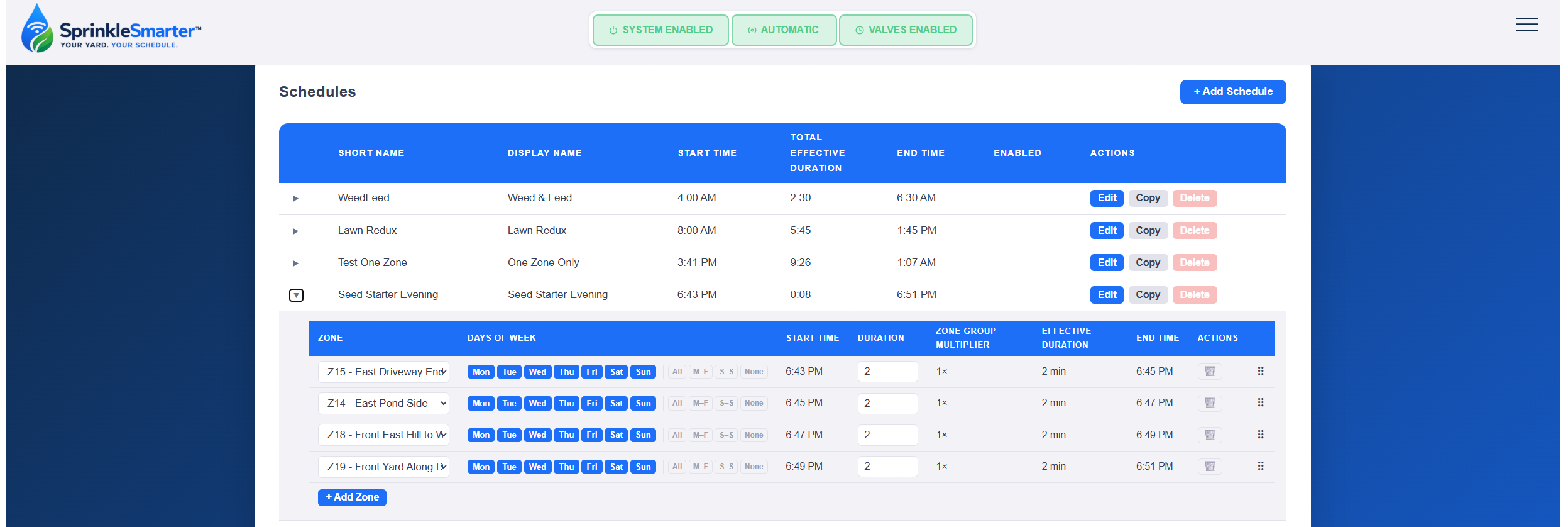
Create as many schedules as you want and name them something that makes sense to you, then enable the ones you want to run when the system is in automatic mode. Adding or removing zones from a schedule is simple, and you can drag them up or down to define the exact sequence in which they run. You can also copy an existing schedule and modify it however you see fit.
Adjust your whole yard with one number.
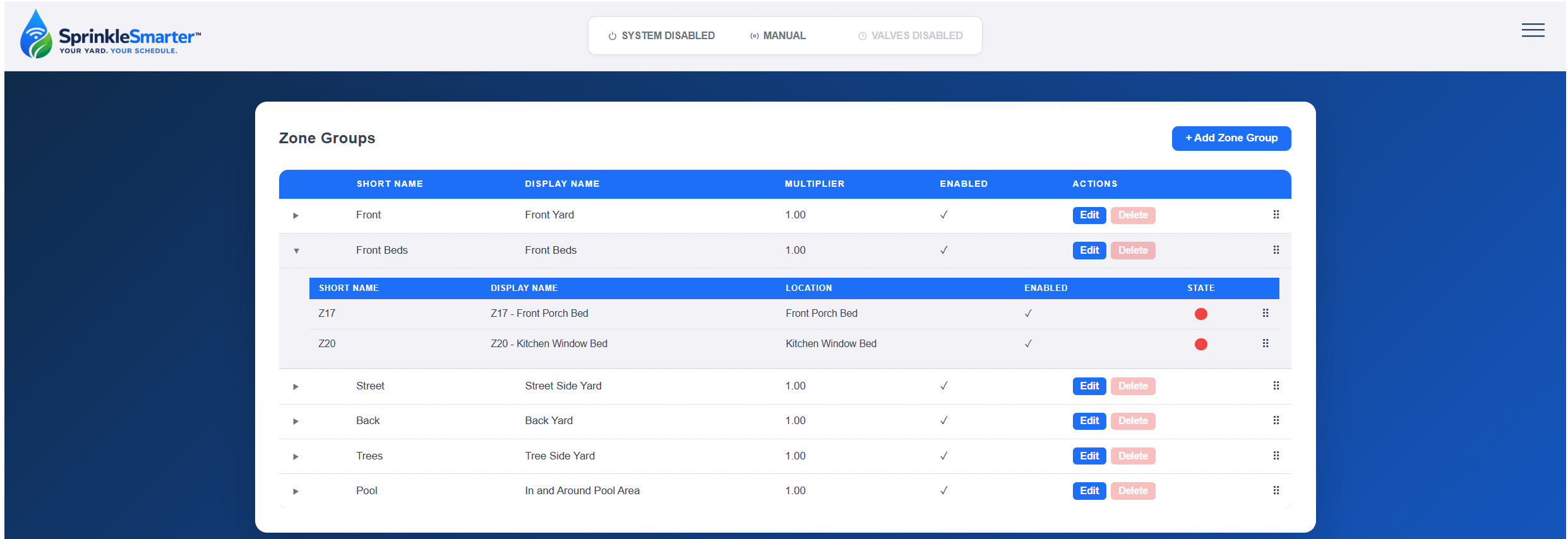
Zone Groups let you represent different regions of your yard — front lawn, backyard, garden beds — so you can easily adjust run times across an entire area using the Zone Group Multiplier.
Notice the front yard is running a little dry since the weather warmed up? Just change the multiplier to a larger value and every zone in that group automatically runs longer the next time the schedule fires. For example, if each zone is set to 10 minutes and you want 15, change the multiplier from 1.0 to 1.5 and you're done. No more adjusting zones one at a time.

Run any schedule on demand.
Quick Run gives you an easy way to execute an entire schedule in automatic mode whenever you want, without waiting for the next scheduled time. Select a schedule from the dropdown, pick a time, hit Run — and the system takes care of the rest. Easy and efficient.
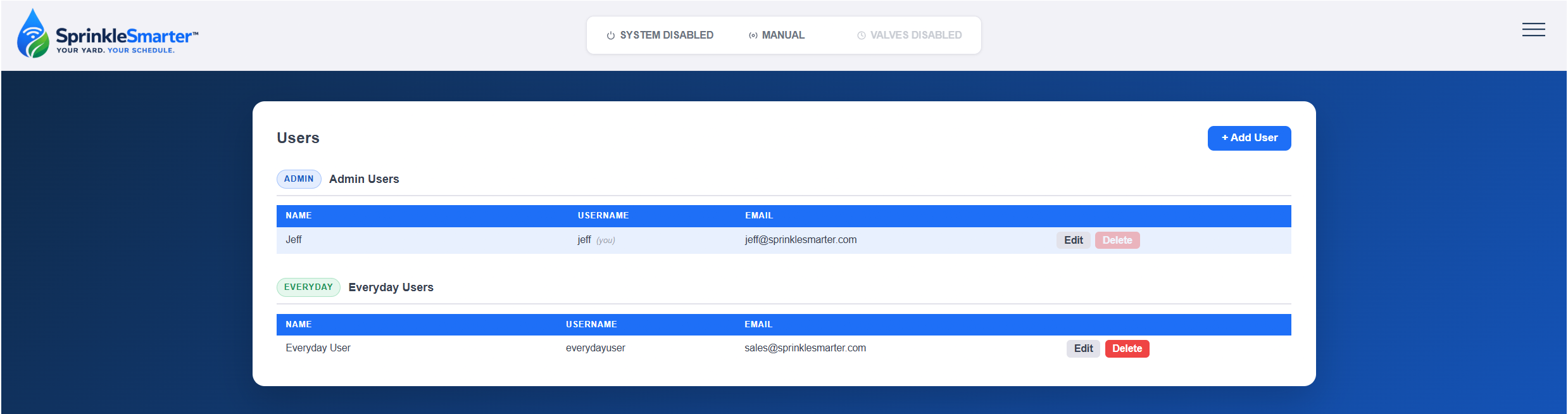
Simple access control for your household.
User setup is optional but useful if you want certain members of your household to have a simplified view — no administrative menus, just the basics. Set up the primary Admin account during initial installation, then add Everyday Users who see only what they need.
Password reset is handled via email, and your login persists from session to session so you don't have to sign in every time you open the app.
Ready to take control of your yard?
One-time purchase. No subscription. Works forever.
Buy Now — from $399